 How I automated long-form and viral clip creation for podcasting
Polymaths and Podcast Autopilot · Podcast production · My own show, then a service
How I automated long-form and viral clip creation for podcasting.
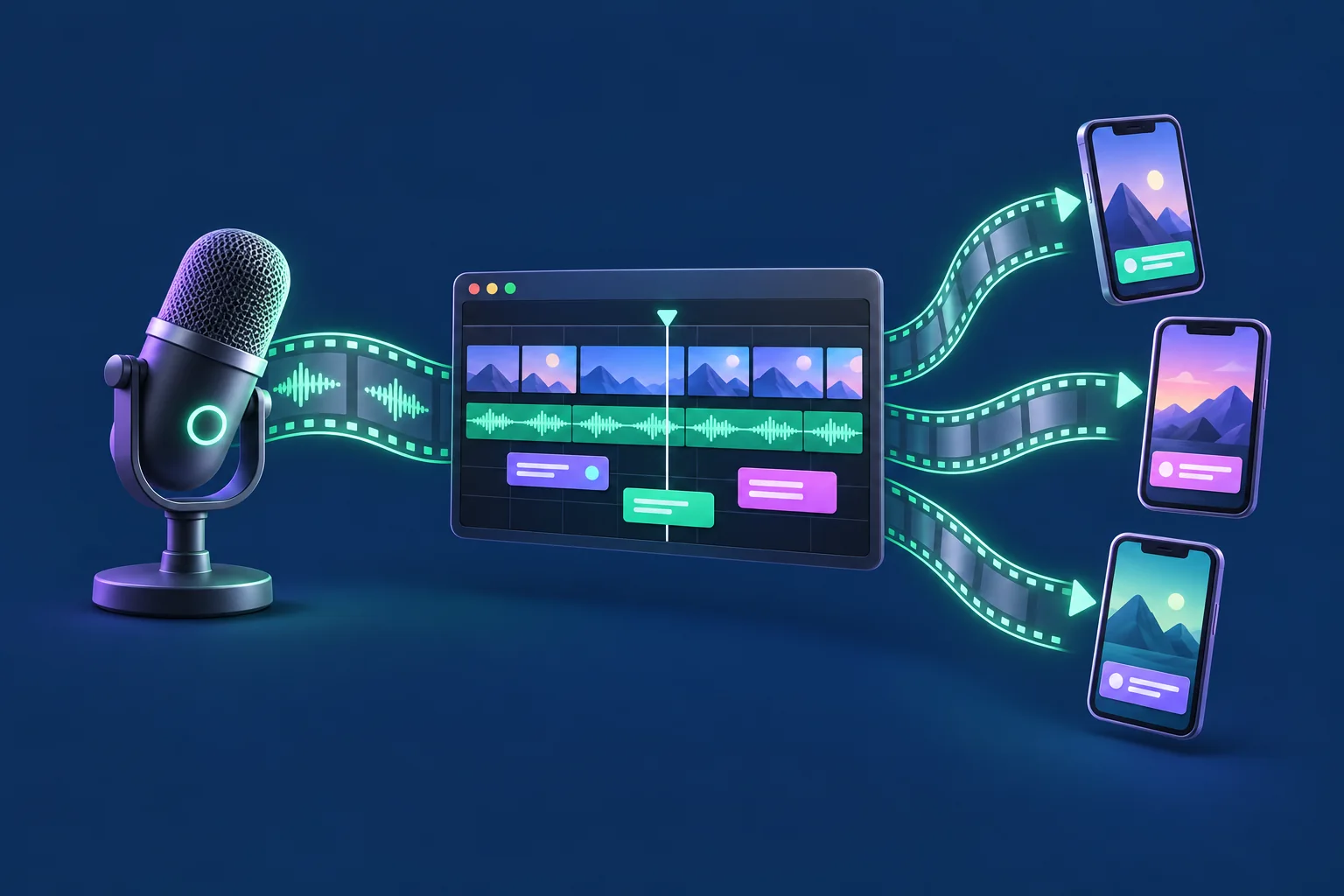
Polymaths is the podcast I co-host. I built one engine that turns the recording into a finished, on-brand episode, and a second that cuts the clips. Then I turned both into a service.
 Transcript
 Graphics
 Timeline
 Clips
ClipsRiverside cut in. YouTube-ready out.
- Client
- Polymaths, the show I co-host, and Podcast Autopilot, my studio
- Sector
- Podcast production
- Built
- A long-form engine, a clip engine, a motion graphics kit
- Status
- Used on every Polymaths episode
The problem
Good graphics and good clips were eating the edit.
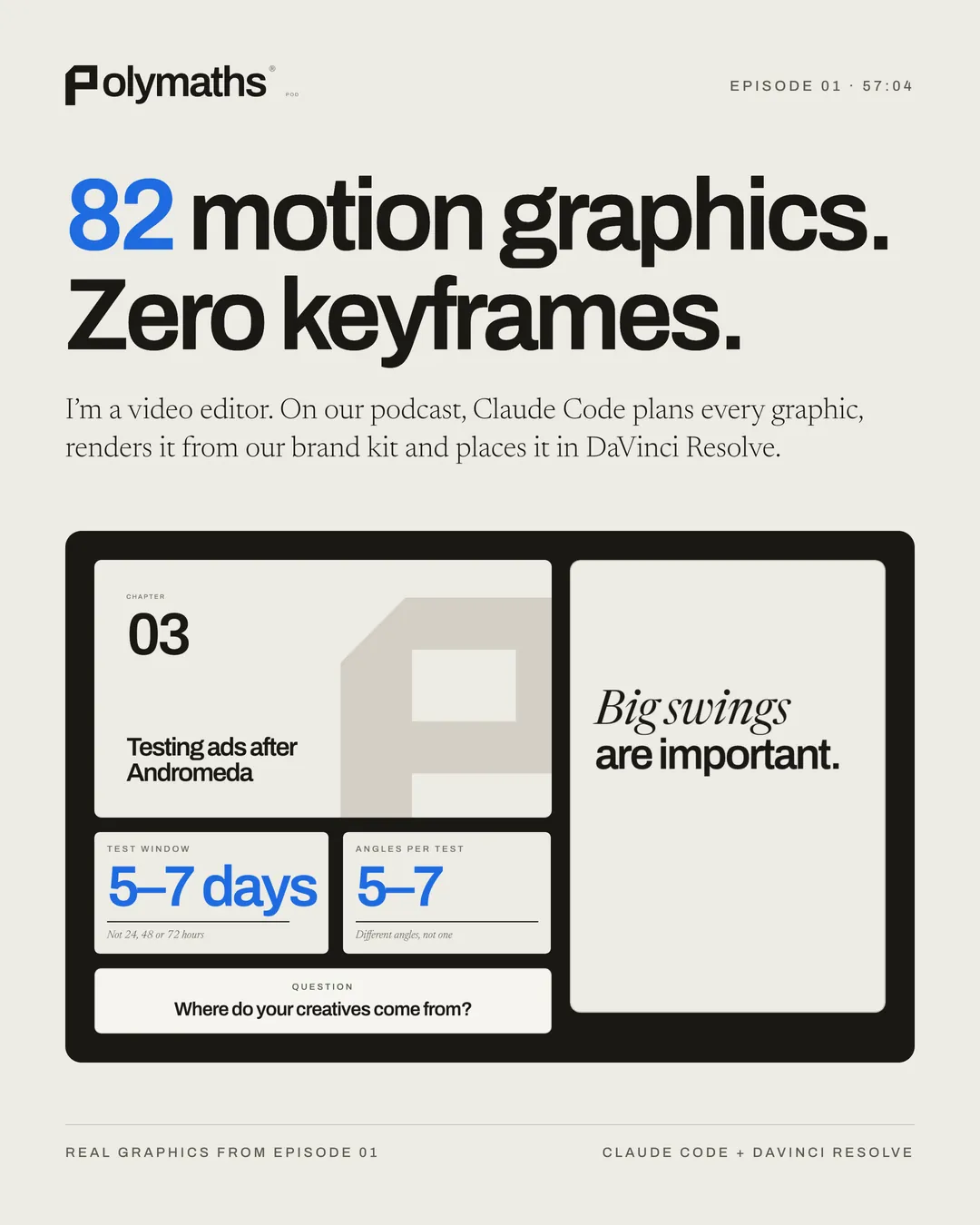
The shows we look up to put something on screen every minute or so: who is talking, the question being answered, the number that carries the sentence. Most of them pay editors to build each one by hand, every episode.
Clips are worse. Someone has to watch the whole hour to find the moments, reframe the faces, caption them, make a cover and post them, and the clips start to look the same.
The long-form system
Riverside cut in. YouTube-ready out.
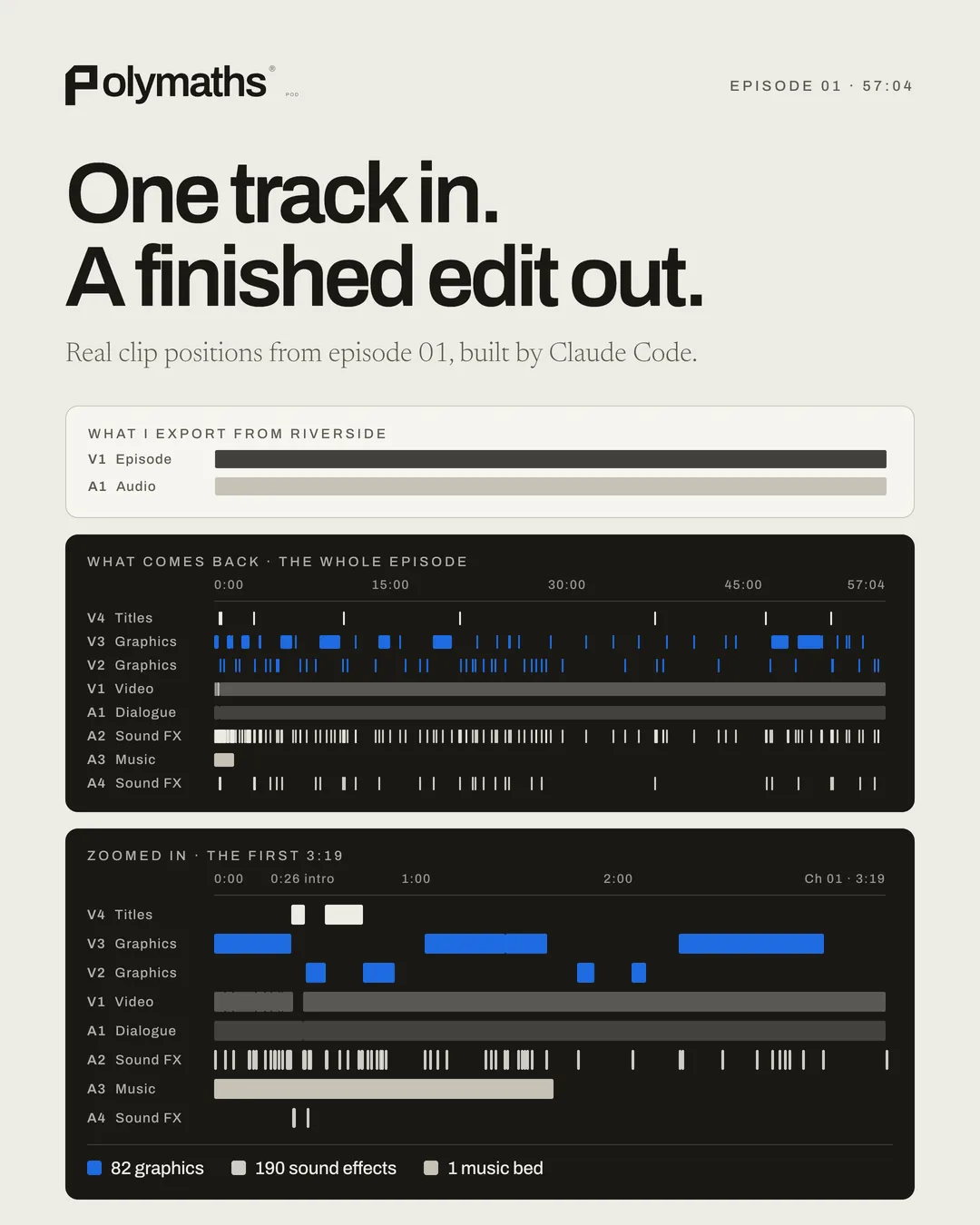
I make the dialogue edit. Claude Code and DaVinci Resolve do the rest.
- 01Cut the conversationThe dialogue edit happens in Riverside. This is the one step I do by hand.
- 02Transcribe and tag the speakersEvery word is transcribed with its timing and matched to the right person, using each speaker's own mic track.
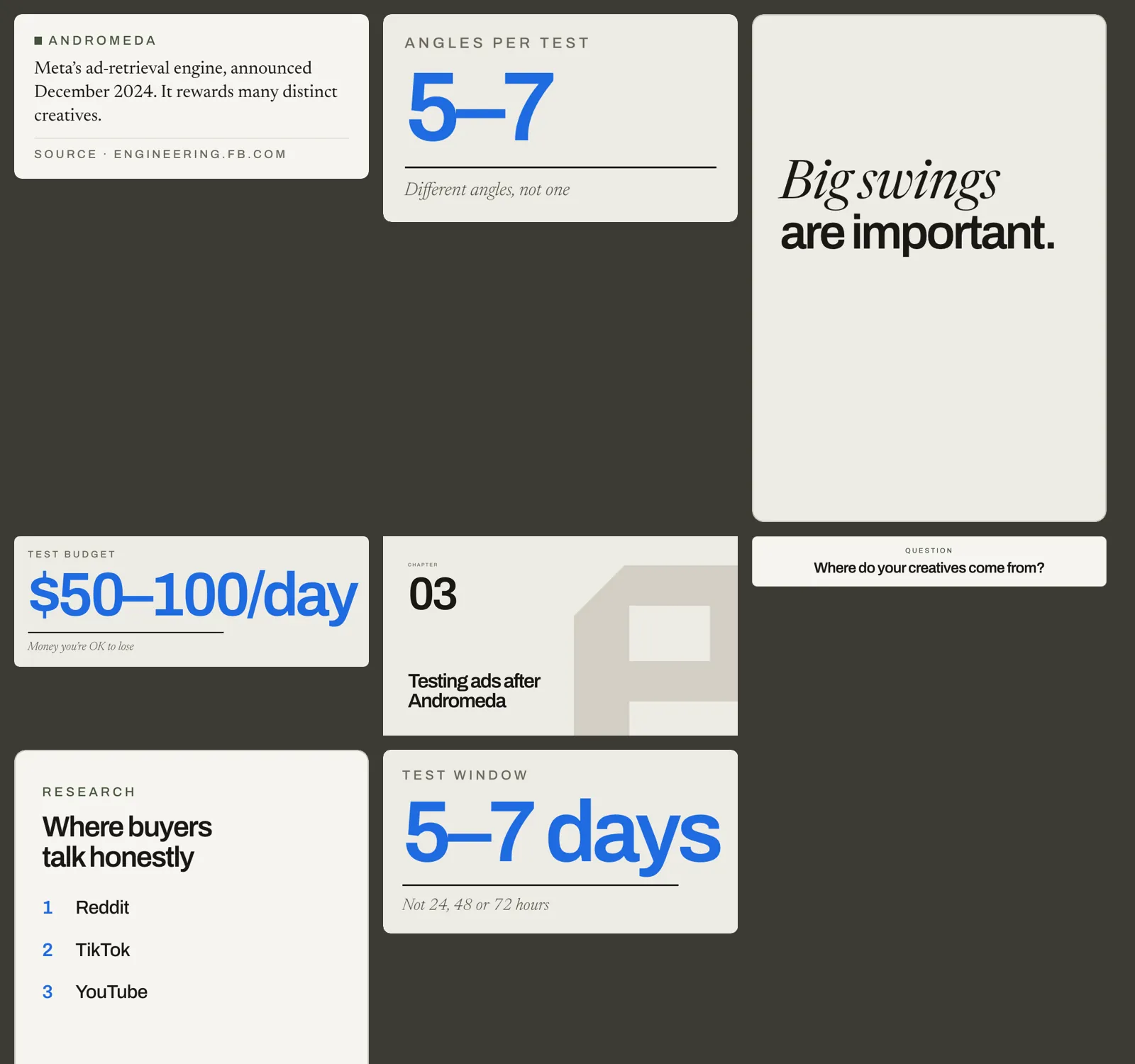
- 03Plan the graphicsEach cue, a name, a question, a stat, a list or a chapter, is pinned to a phrase in the transcript, not a timecode, so it survives a re-edit.
- 04Render from the brand kitSeven graphic types in the show's own fonts and colours render as transparent ProRes 4444 files, and a script checks every one.
- 05Cold open, sound and musicA cold open built from 6 to 8 soundbites, a sound effect timed to every graphic, and music ducked under speech.
- 06Build and render in ResolvePython scripts drive DaVinci Resolve to lay out the timeline and render the episode, then check it for black frames and loudness.
- 07Notes and approvalI watch it and give one round of notes.
The clip system
One episode in, a week of clips out.
Every clip gets its own layout, style and sound, so a week of clips does not look like one template.
- 01Pick the momentsOne prompt ranks the transcript for the strongest moments. I chose it after running four pickers blind on the same episode.
- 02Write a spec for each clipLayout, style, palette, sound and music are set per clip, and the hook has to pass a check.
- 03Frame every faceFaces are measured and centred on every shot, in the original camera colours, and no cut clips a word.
- 04Render and checkScripts check the pacing, the framing and every cut edge. Then I compare the clips with reference reels by eye.
- 05Finish and postLoudness is set in Resolve, each clip gets a cover, and they go out one a day.
What changed
Six episodes, cut on the same engine.
Episode one went from the Riverside export to an approved cut in a little over three hours, and that includes a first version I threw out. Episode two carried more graphics than the first.
Turned into a service
Podcast Autopilot sells the same system to companies.
Three monthly plans, from $2,000 for the edit, the graphics, twelve clips and the posting, up to $3,697 with me as the host. A human hosts, a human edits, and the software does the chores.
Build notes
- Word timings from Whisper, matched to each speaker's own mic track
- Graphics written in HTML, captured in headless Chromium and encoded to ProRes 4444 with an alpha channel
- DaVinci Resolve driven by Python scripts for the timeline and the render
- A clip spec per clip, with pacing, framing and edge checks before delivery
- Loudness set to -14 LUFS before anything is posted
Scope and limits
Polymaths is my own show, so there is no client sign-off here and no audience claim. No paying client has used the system yet. Podcast Autopilot is how I sell it. I never timed the old way, so there is no number for hours saved. Timelines are tested in DaVinci Resolve only.
Matt Smith, Chicago. matt@visibilitybuddy.com